
OverviewÜberblick
Druckwerk keeps documents encrypted until you release them at the printer, and scans without extra software. Pilot phase: we check your devices before you start.
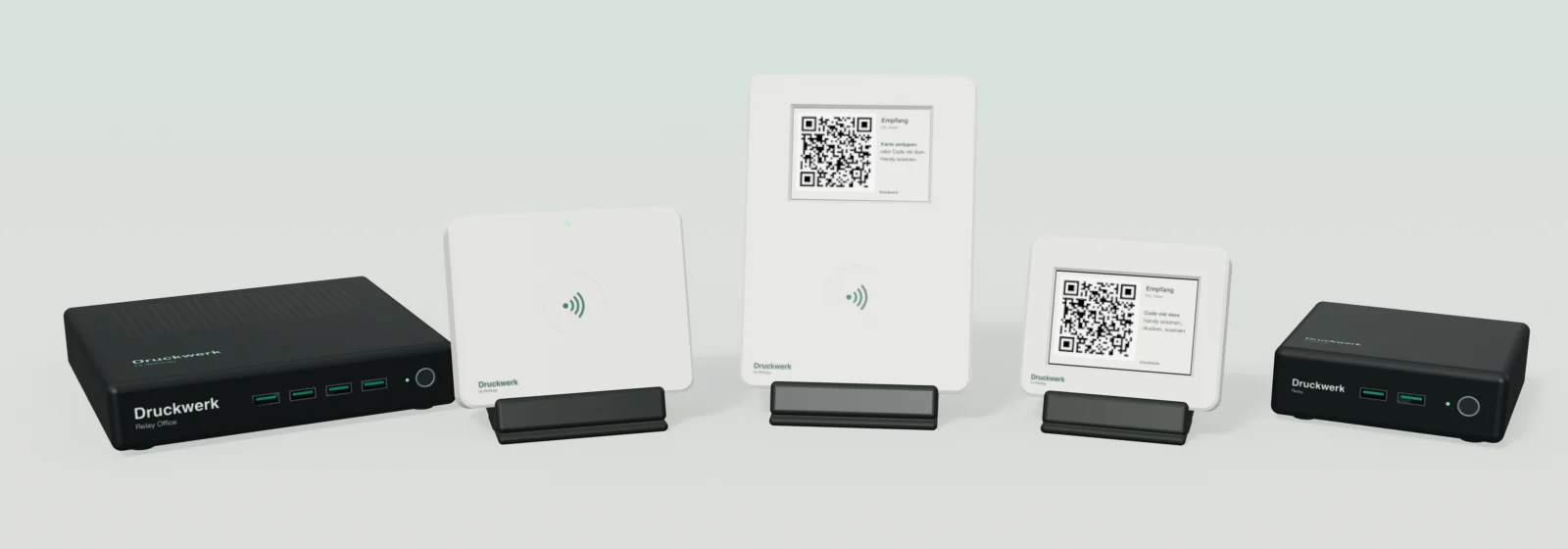
How a print job works
- You print to “Druckwerk” from any program.
- The document stays encrypted on the server, for 48 hours at most.
- You tap your badge or scan the QR code at the printer.
- The printer prints and the document is deleted.
Capabilities
| Area | What it does |
|---|---|
| Mac, Windows, Linux, iPhone and file upload; choose the tray | |
| Release | Badge, QR code, terminal, browser panel |
| Scan | eSCL/AirScan in the web app, phone camera, scan-to-mail |
| Manage | Locations, cost, quotas, levels, order proposals |
| Connect | Microsoft Entra ID, e-mail-to-print, webhooks |
Druckwerk hält Dokumente verschlüsselt zurück, bis du sie am Drucker freigibst, und scannt ohne Zusatzsoftware. Pilotphase: Wir prüfen deine Geräte vor dem Start.
So läuft ein Druck
- Du druckst aus jedem Programm auf „Druckwerk“.
- Das Dokument liegt verschlüsselt auf dem Server, höchstens 48 Stunden.
- Du tippst am Drucker deine Karte an oder scannst den QR-Code.
- Der Drucker druckt, das Dokument wird gelöscht.
Fähigkeiten
| Bereich | Was geht |
|---|---|
| Mac, Windows, Linux, iPhone und Datei-Upload; Papierfach wählen | |
| Freigeben | Karte, QR-Code, Terminal, Panel im Browser |
| Scannen | eSCL/AirScan in der Web-App, Handykamera, Scan-to-Mail |
| Verwalten | Standorte, Kosten, Kontingente, Füllstände, Bestellvorschläge |
| Verbinden | Microsoft Entra ID, E-Mail-to-Print, Webhooks |
Something missing or unclear? Write to info@weblogy.eu. Fehlt etwas oder ist unklar? Schreib an info@weblogy.eu.