
Karte oder QR-CodeBadge or QR code
Am Drucker antippen oder mit dem Handy scannen, Dokumente wählen, drucken.Tap at the printer or scan with your phone, choose documents, print.
 Druckwerk by Weblogy
Dokumente bleiben verschlüsselt auf dem Server, bis du am Drucker deine Karte antippst oder den QR-Code scannst. Scannen geht direkt in der Web-App.Documents stay encrypted on the server until you tap your badge or scan the QR code at the printer. Scanning works right in the web app.
Das ProblemThe problem
Jeder kann es mitnehmen, niemand weiß, was es kostet, und der Toner ist immer dann leer, wenn es eilt.Anyone can take them, nobody knows the cost, and toner always runs out when it is urgent.
Druckwerk gibt erst frei, wenn du davorstehst.Druckwerk releases only when you are standing there.
FunktionenFeatures
Am Drucker antippen oder mit dem Handy scannen, Dokumente wählen, drucken.Tap at the printer or scan with your phone, choose documents, print.
Vom Drucker (eSCL/AirScan) oder mit der Handykamera als PDF.From the printer (eSCL/AirScan) or the phone camera, as PDF.
Standorte als Baum, Berichte je Standort.Locations as a tree, reports per location.
Seiten und Kosten je Person und Abteilung.Pages and cost per person and department.
Füllstände, Mindestbestand und Bestellvorschläge.Levels, minimum stock and order proposals.
Nachbestellen, ablehnen, benachrichtigen, Webhooks.Reorder, deny, notify, webhooks.
Benutzer abgleichen und anmelden.Sync users and sign in.
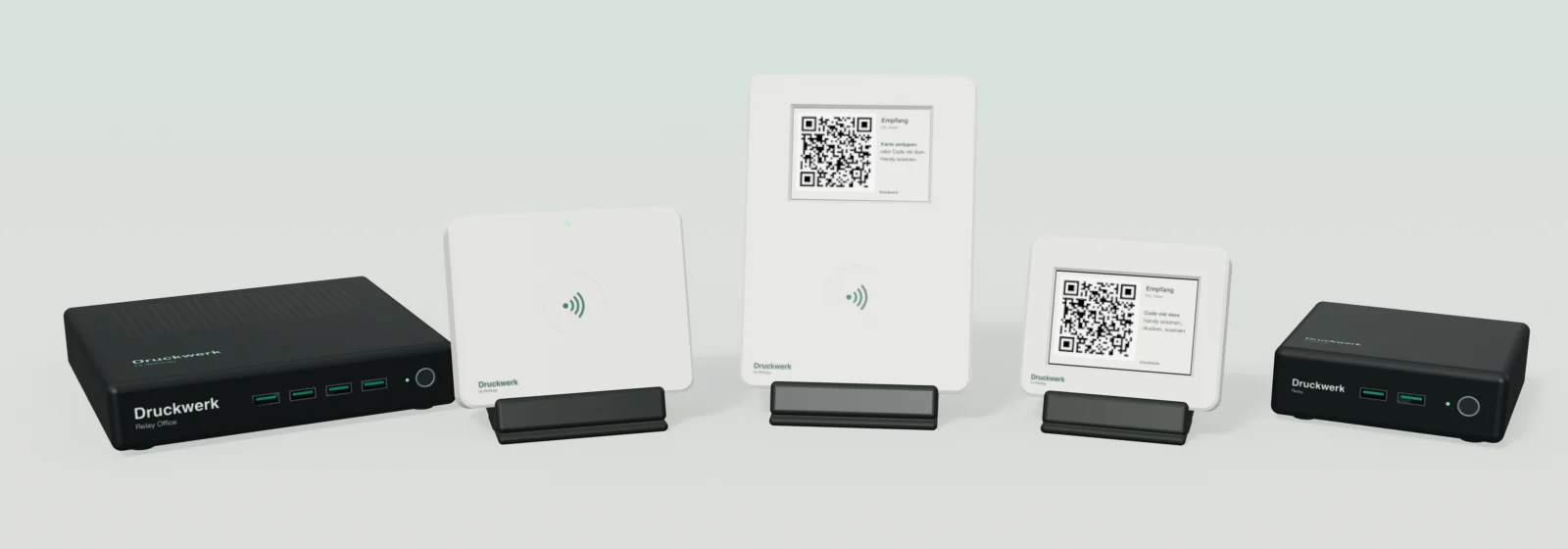
Relays halten Dokumente am Standort, Terminals rüsten jeden Drucker nach.Relays keep documents on site, terminals upgrade any printer.
So funktioniert'sHow it works
Auf deinem Docker-Server oder von Weblogy gehostet.On your Docker server or hosted by Weblogy.
Per IPP, IP-Adresse oder Relay, mit Standort.Via IPP, IP address or relay, with a location.
Auf „Druckwerk“ drucken, am Gerät freigeben.Print to “Druckwerk”, release at the device.
Datenschutz & SicherheitPrivacy & security
Auf dem Server verschlüsselt, nach dem Druck gelöscht. Mit einem Relay bleiben sie im Netz deines Standorts.Encrypted on the server, deleted after printing. With a relay they stay in your local network.
Details lesenRead the detailsEinblickA look inside
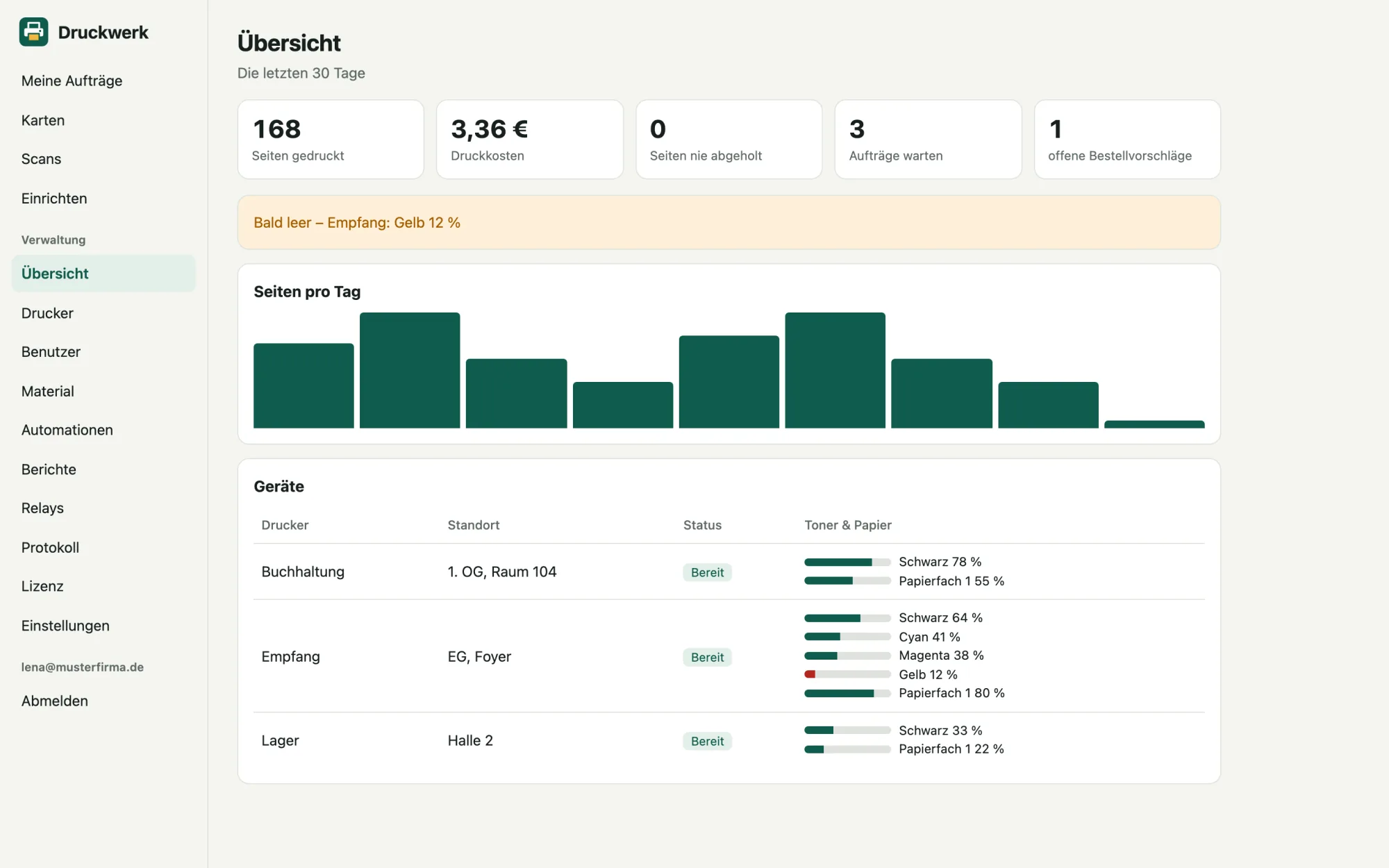
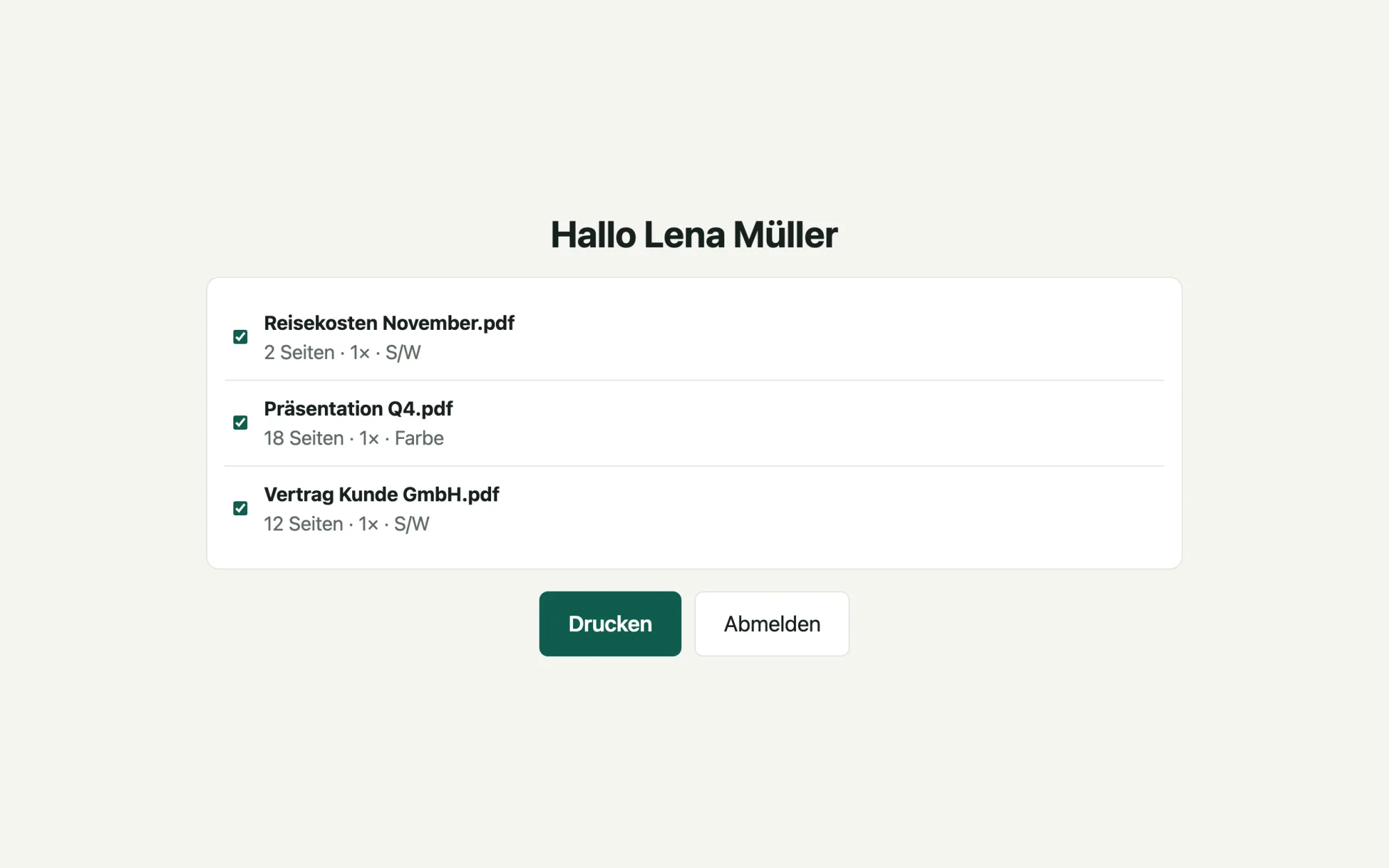
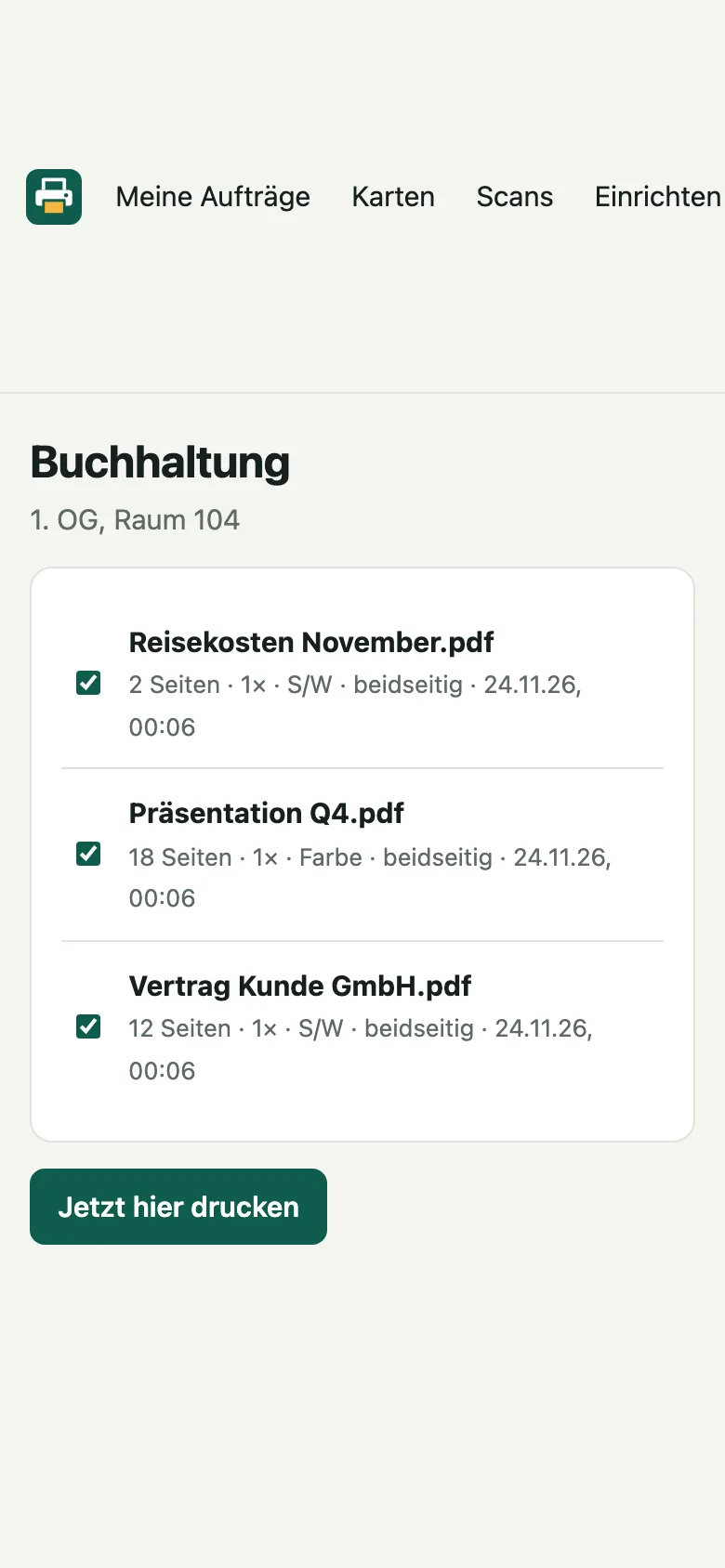
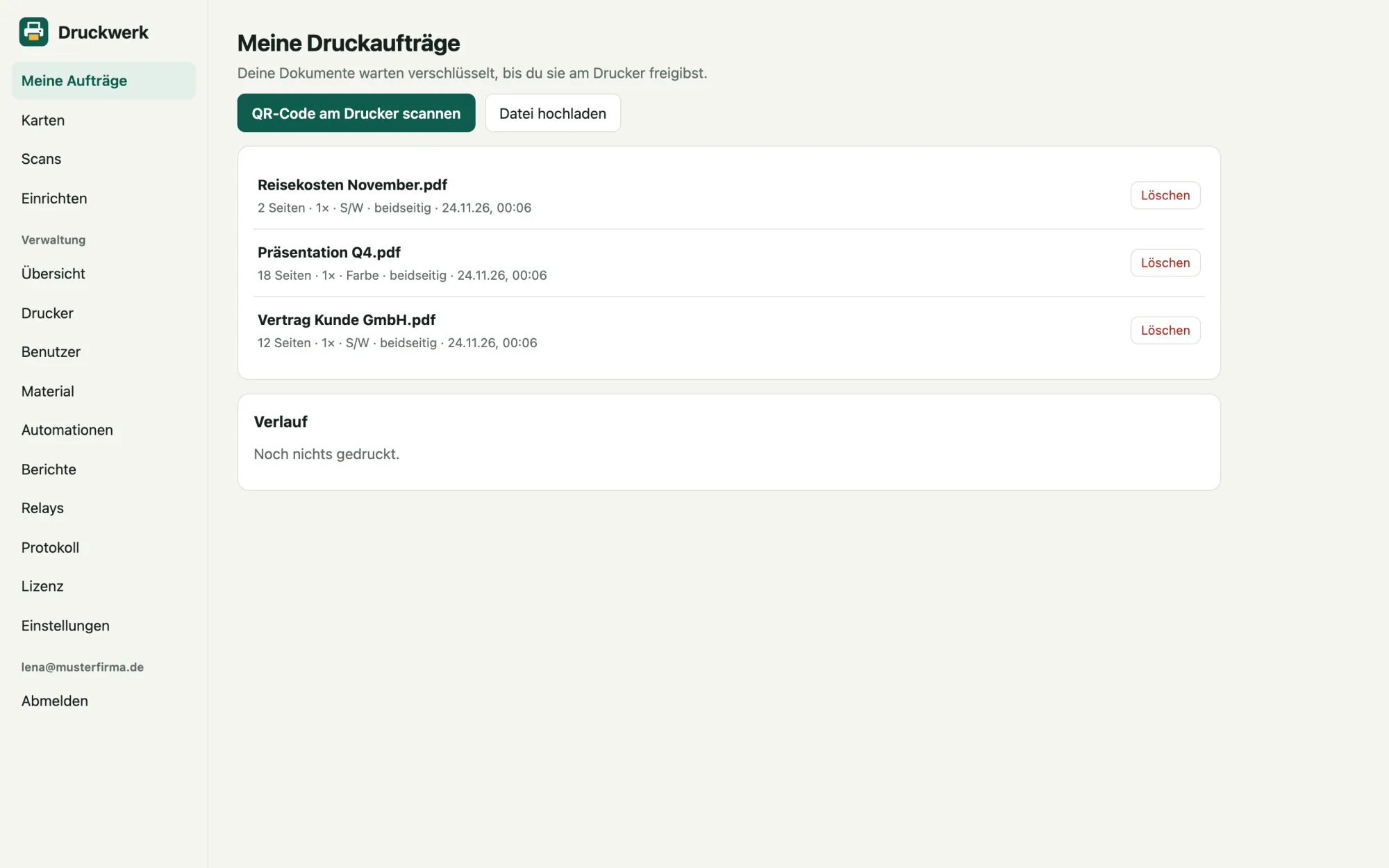
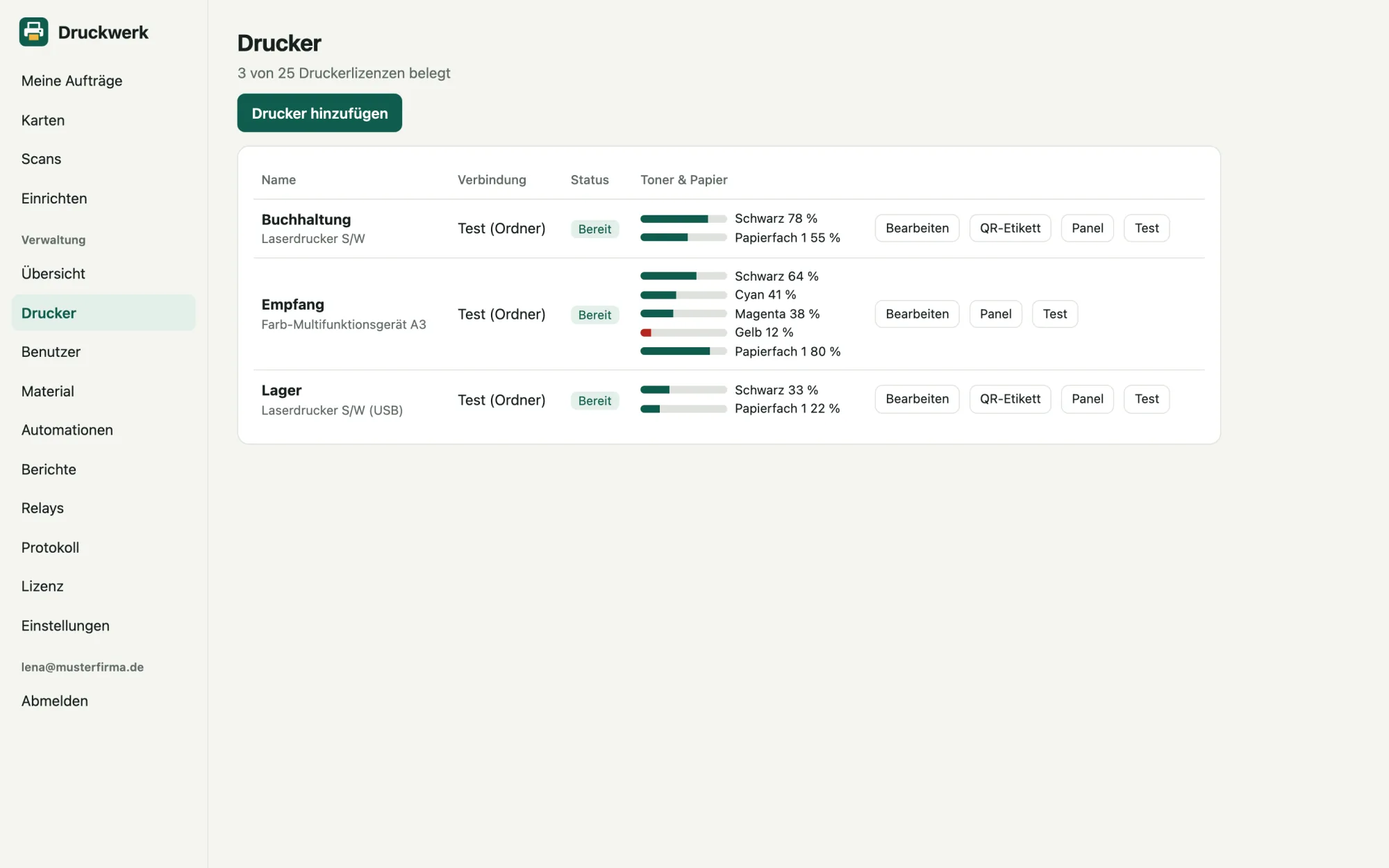
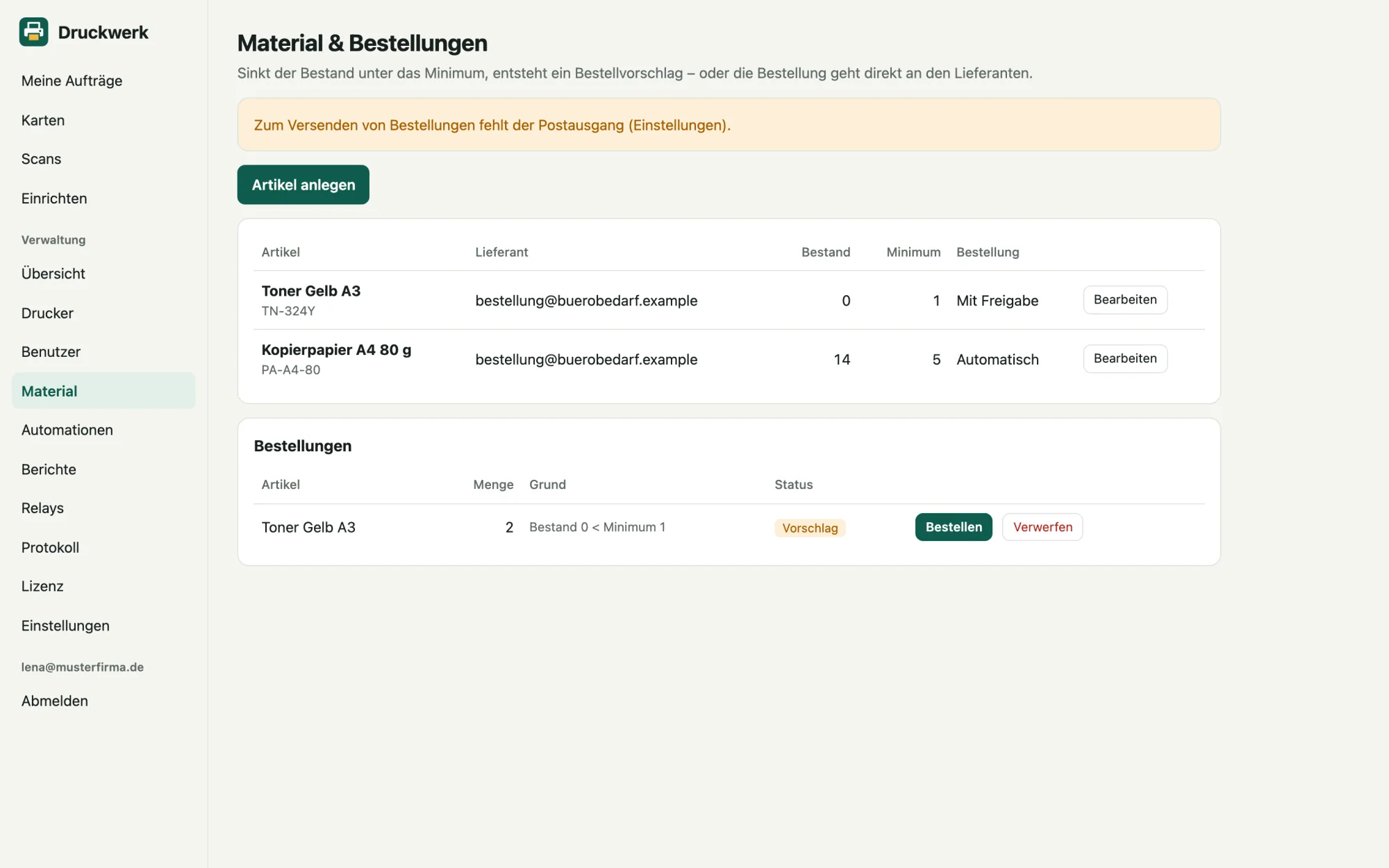
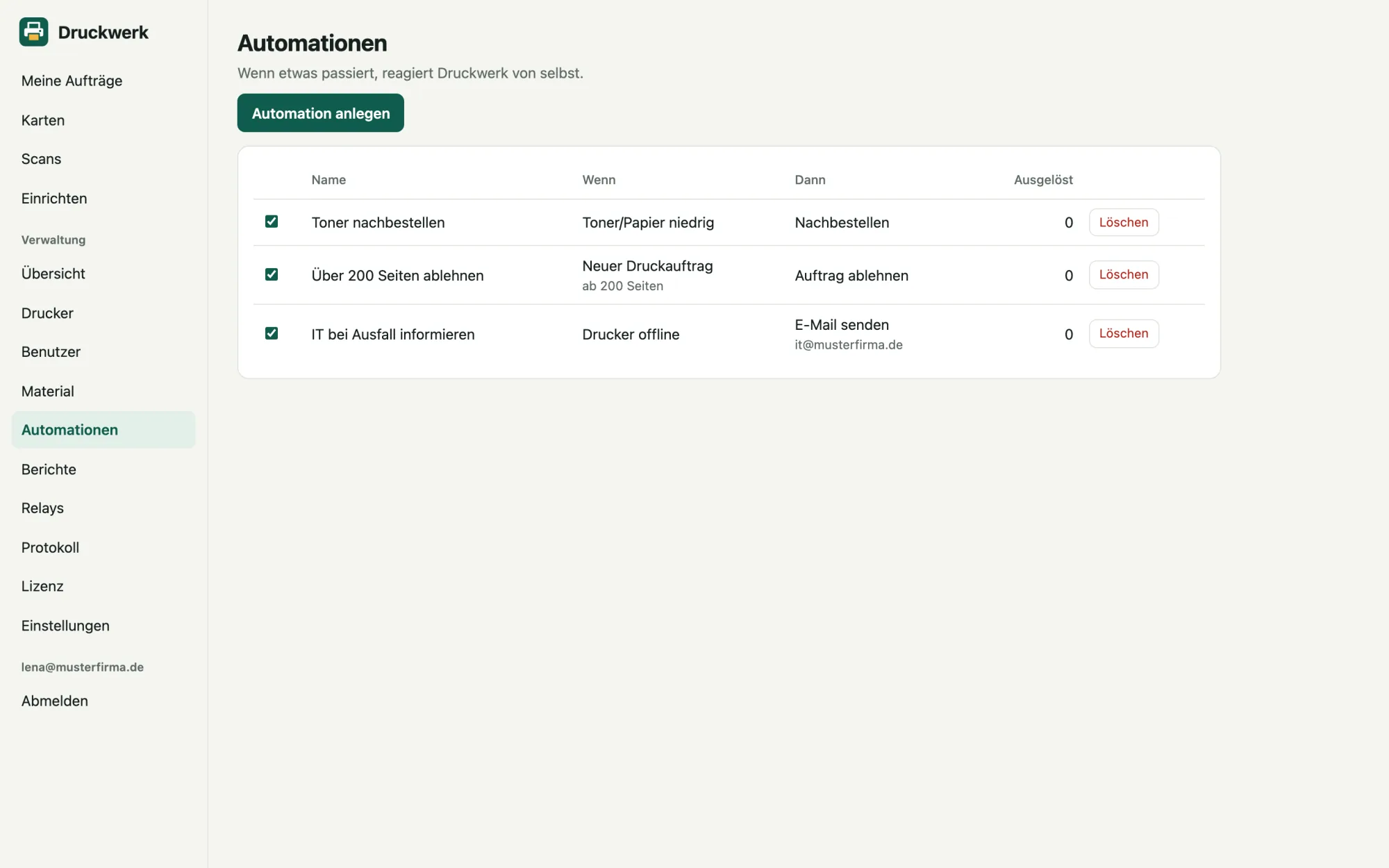
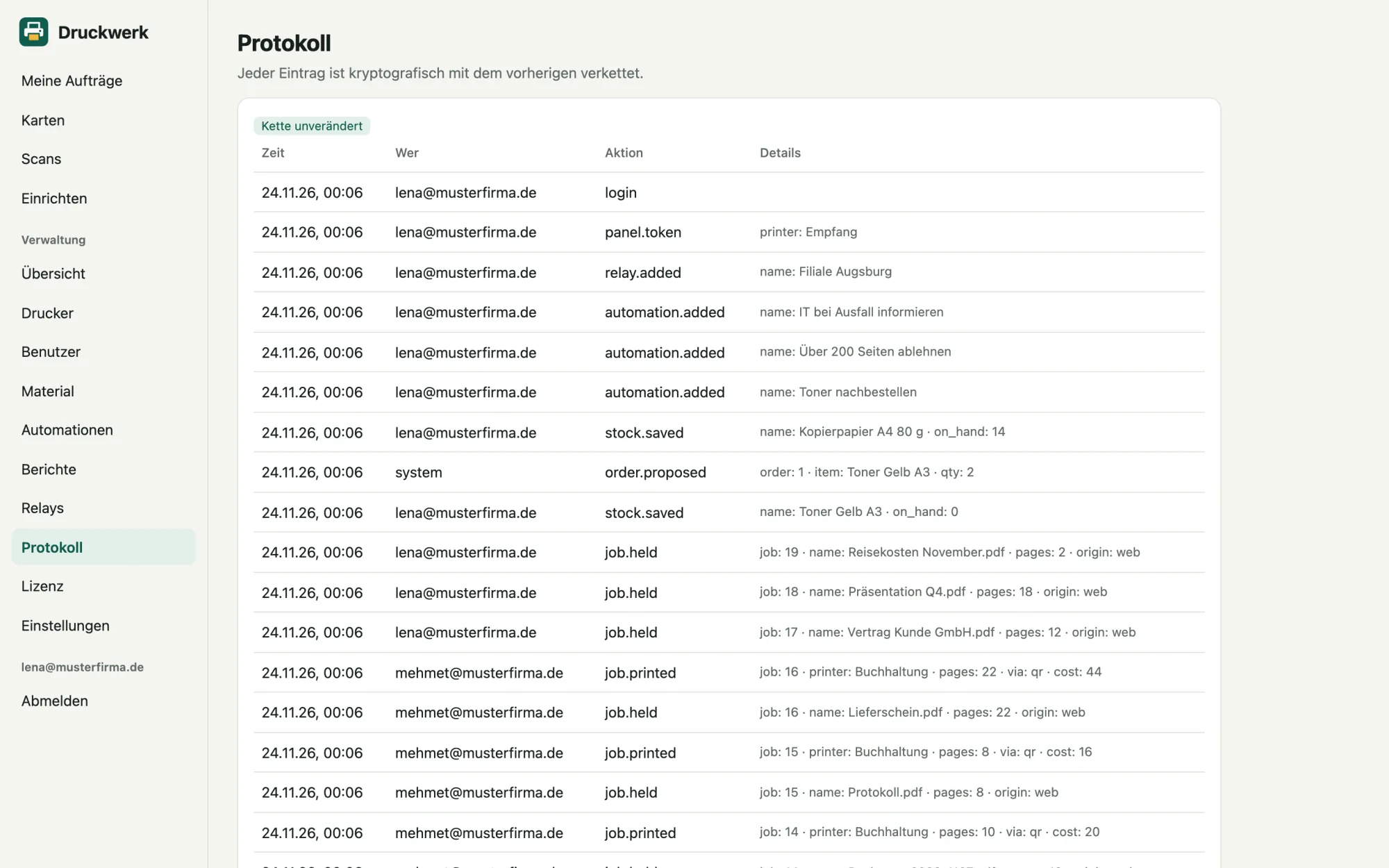
Beispieldaten, teils aus simulierten Umgebungen.Sample data, partly from simulated environments.
PreisePricing
Den Softwarepreis berechnest du im Shop selbst: Drucker, Module, eigener Server oder Hosting.Calculate the software price in the shop: printers, modules, own server or hosting. Preis berechnenCalculate price
Preis auf AnfragePrice on request
Sicher drucken mit Karte oder QR-Code – mit Kostenkontrolle und automatischer Nachbestellung.Secure printing with badge or QR code – with cost control and automatic reordering.
Preise inkl. MwSt. Details, Lizenz und Laufzeiten stehen in derPrices include VAT. Details, licence and terms are in the Dokumentationdocumentation.
Netzwerkdrucker mit IPP (PDF oder Apple Raster) oder Port 9100 mit PDF. USB- und Altgeräte über ein Relay. Geprüft haben wir bisher den Canon TS5350i.Network printers with IPP (PDF or Apple Raster) or port 9100 with PDF. USB and legacy devices through a relay. So far we have tested the Canon TS5350i.
Je nach Modell über den Browser am Gerät. Viele Hersteller verlangen dafür ein Partnerprogramm. Für alle anderen gibt es das Terminal neben dem Gerät.Depending on the model through its browser. Many manufacturers require a partner programme. For all others there is the terminal next to the device.
Ja, nach Absprache. Ein kostenloses Relay bei dir verbindet die Drucker; Scannen in der Web-App braucht derzeit einen Server im selben Netz.Yes, by arrangement. A free relay on site connects the printers; scanning in the web app currently needs a server in the same network.